

Scheduling for consultants, agencies, coaches and fractional execs.
Share one link and let clients book — synced to your calendar, with the right Zoom, Google Meet, or Microsoft Teams link created automatically.
Free forever — no credit card
Works with the tools your clients already use
- Google Calendar
- Google Meet
- Microsoft Outlook
- Microsoft Teams
- Zoom
 Google Calendar
 Google Meet
 Microsoft Outlook
 Microsoft Teams
 Zoom
Every kind of client work.
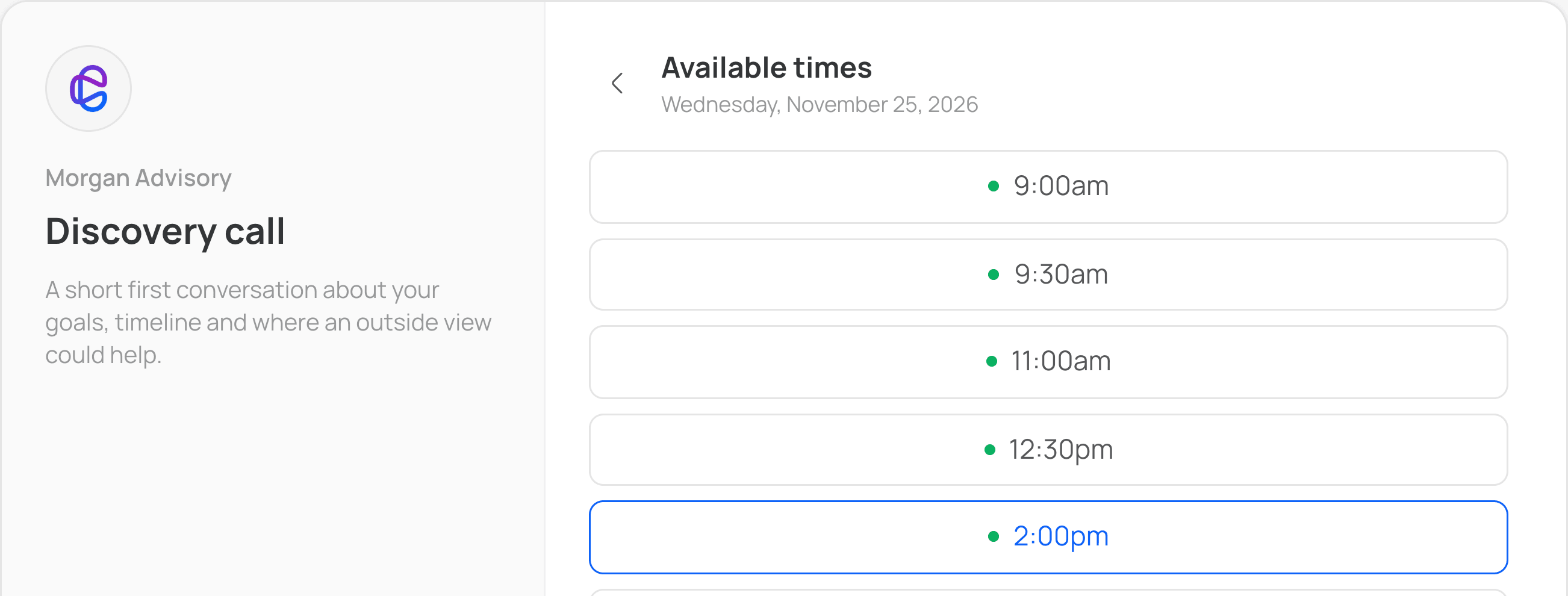
All use cases Discovery callConsultantsDiscovery calls booked from one link, with your notice, buffers, and intake questions built in.Calen360 for consultants
 Client kickoffAgenciesClient calls routed to the right people on the team, one at a time or all together.Calen360 for agencies
 Coaching sessionCoachesClients book and reschedule sessions on their own, with room kept between each one.Calen360 for coaches
 Weekly syncFractional execsA booking link for each company, checked against your Google and Outlook calendars together.Calen360 for fractional execs
Clients book on your terms.
Set the rules once per meeting type. Here’s one week, drawn with them on.
- Buffers
- Breathing room before and after each meeting.
- Minimum notice
- No surprise bookings an hour from now.
- Daily limits
- Cap how many of each call you take a day.
- Booking window
- Choose how far ahead clients can book.
- Approval first
- Review a request before it's confirmed.
- Your questions
- Ask what you need to know when they book.
After your client picks a time.
Real screens from Calen360, shown with demo data.
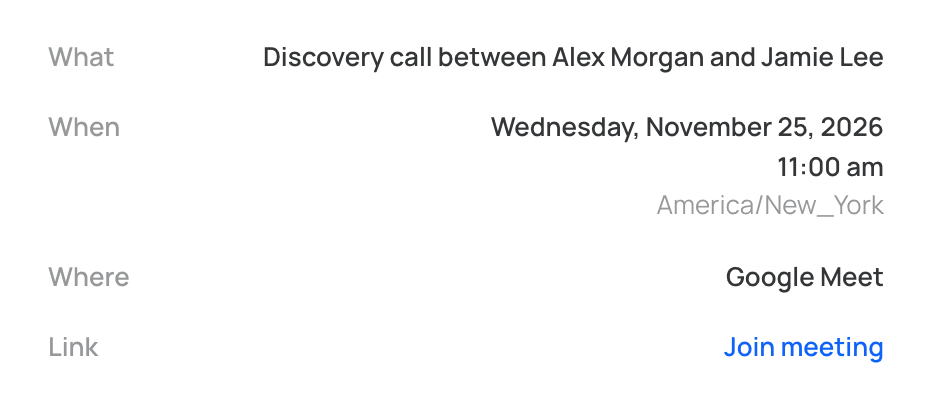
The meeting link is already in the invite.
Zoom, Google Meet, or Microsoft Teams, created with the booking. Clients reschedule or cancel from the same page.
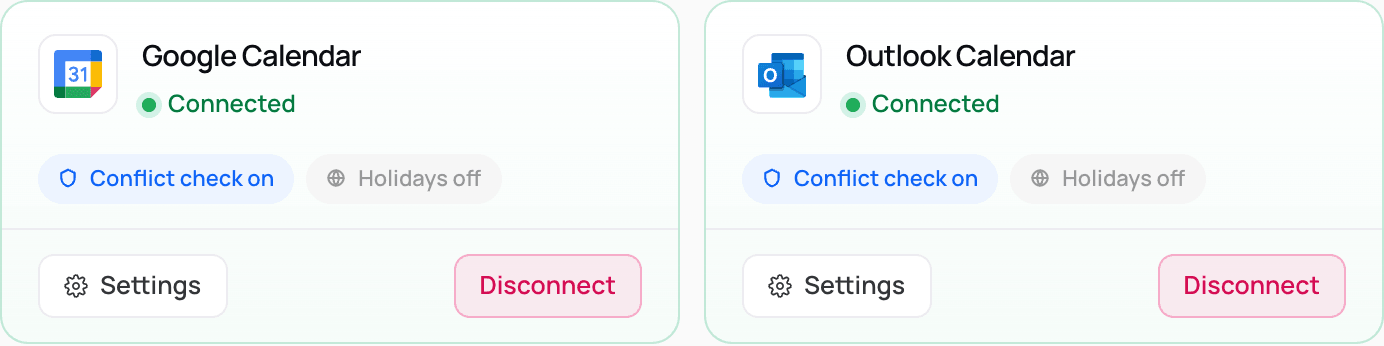
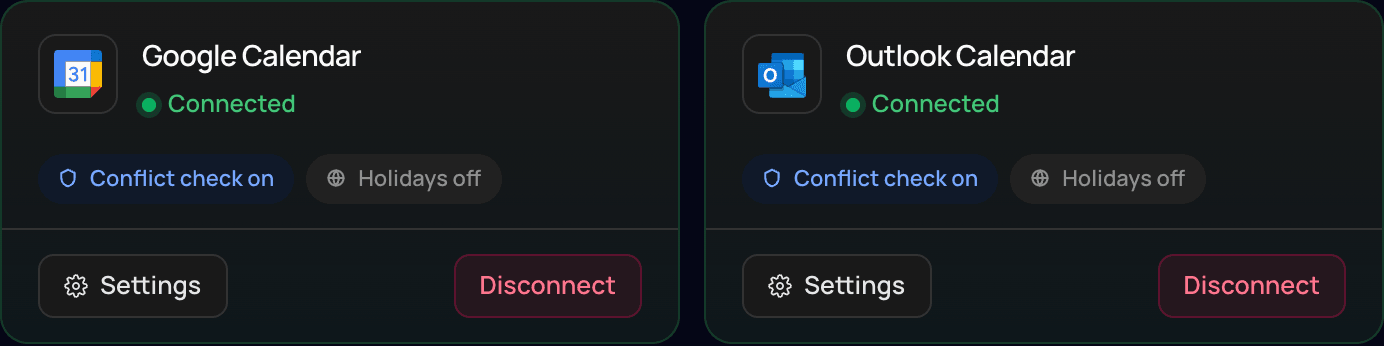
It lands on your calendar.
Google and Outlook stay in sync both ways, and Calen360 checks them for conflicts before it offers a time.
Questions, answered.
Still have a question? Talk to usWhat does Calen360 do?
Calen360 is scheduling built for client work: branded booking pages, two-way Google and Outlook calendar sync, and automatic Zoom, Google Meet, and Microsoft Teams links — plus scheduling for your whole team.
Which tools does Calen360 work with?
Google Calendar and Meet, Microsoft Outlook and Teams, and Zoom. Your booking page creates the right meeting link automatically, whatever your client uses.
Can my team use it together?
Yes. Create teams, switch between them, and manage shared scheduling from anywhere in the app.
How long does setup take?
Minutes. Connect your calendar, share your booking link, and you’re live.